May 28th, 2024
Improved
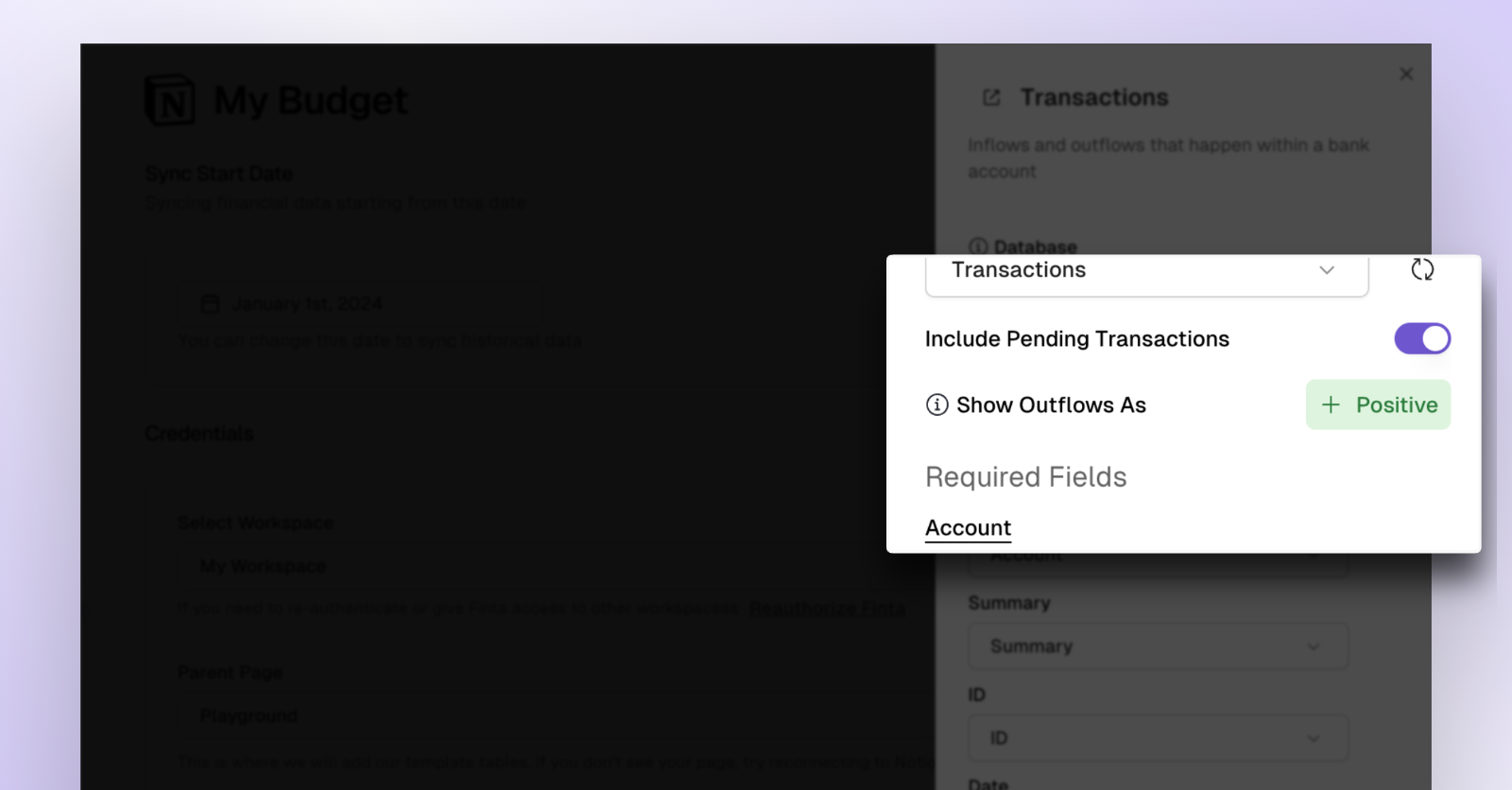
Toggle Between Showing Transaction Amount as Positive or Negative
Before, Finta defaulted to showing outflows (e.g. expenses) as negative and inflow (e.g. income) as positive. Now you can change this setting and show expenses as positive instead.
If you're using Notion, Airtable, or Google Sheets, head over to your destination's page and click on the "Transactions" table. Then toggle the button pictured above to your desired setting.
If you're using Coda, you can update this setting within the sync table by clicking on "Options" and then clicking the checkbox for "Show outflows as positive"
Write a comment...